Garage Guy: Know what your car needs next.
Services, repairs, inspections and insurance, kept on your iPhone. Free, with no account and nothing uploaded.

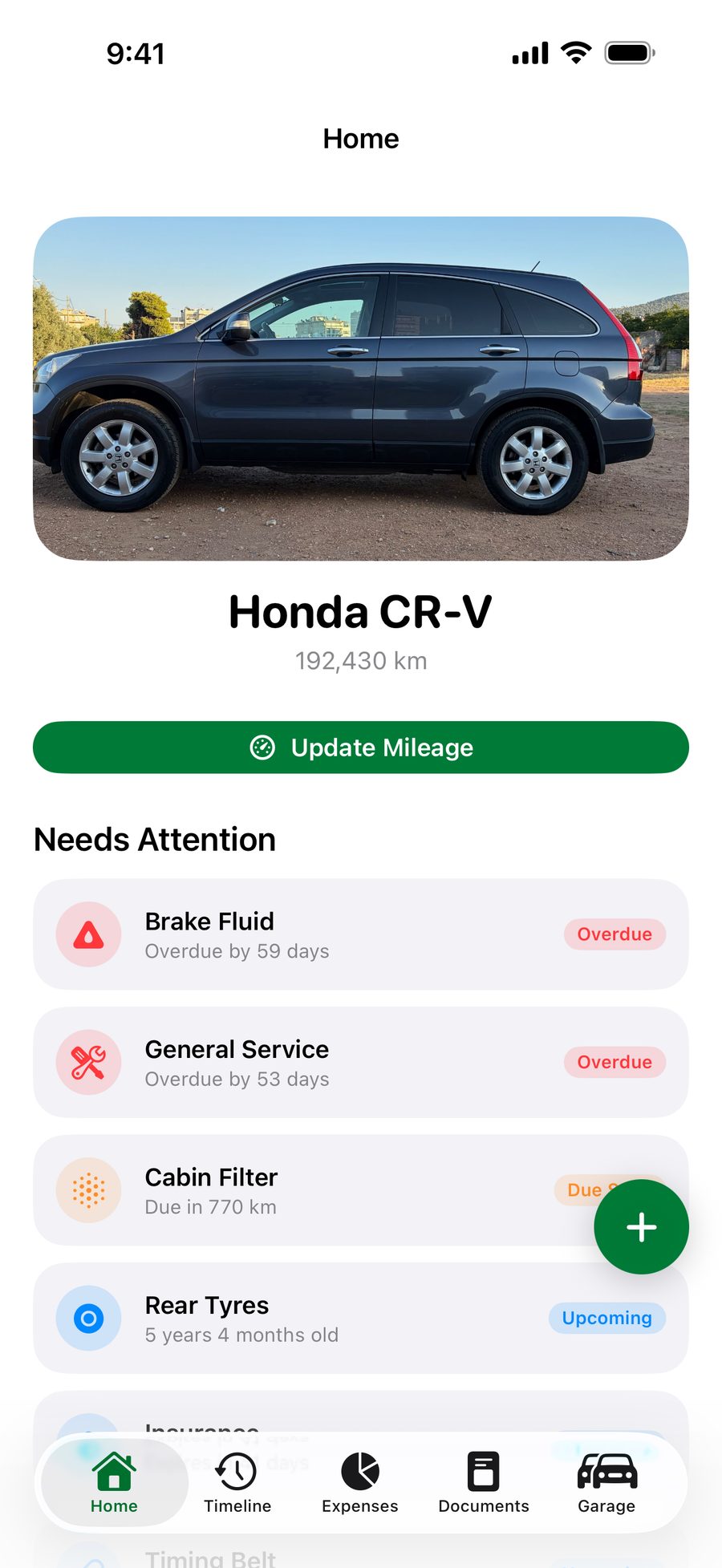
Whichever comes first.
Each maintenance item can have a km limit, a time limit or both. Garage Guy checks them, and whatever is close or overdue moves to Needs Attention on Home.
Log it in seconds.
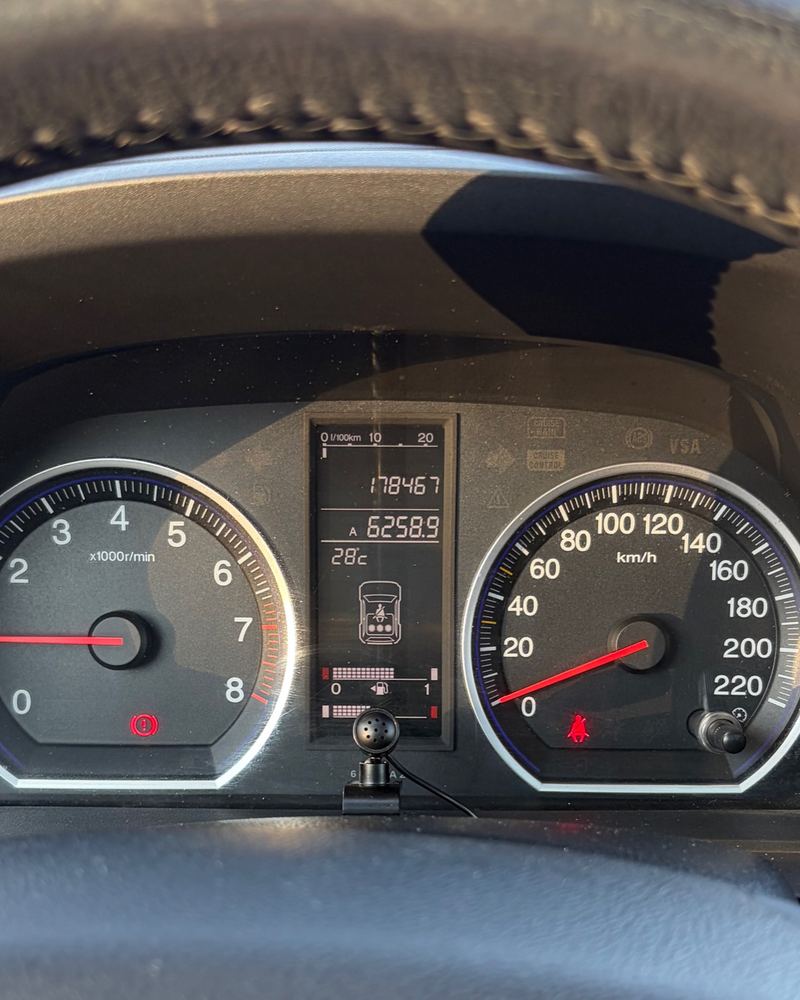
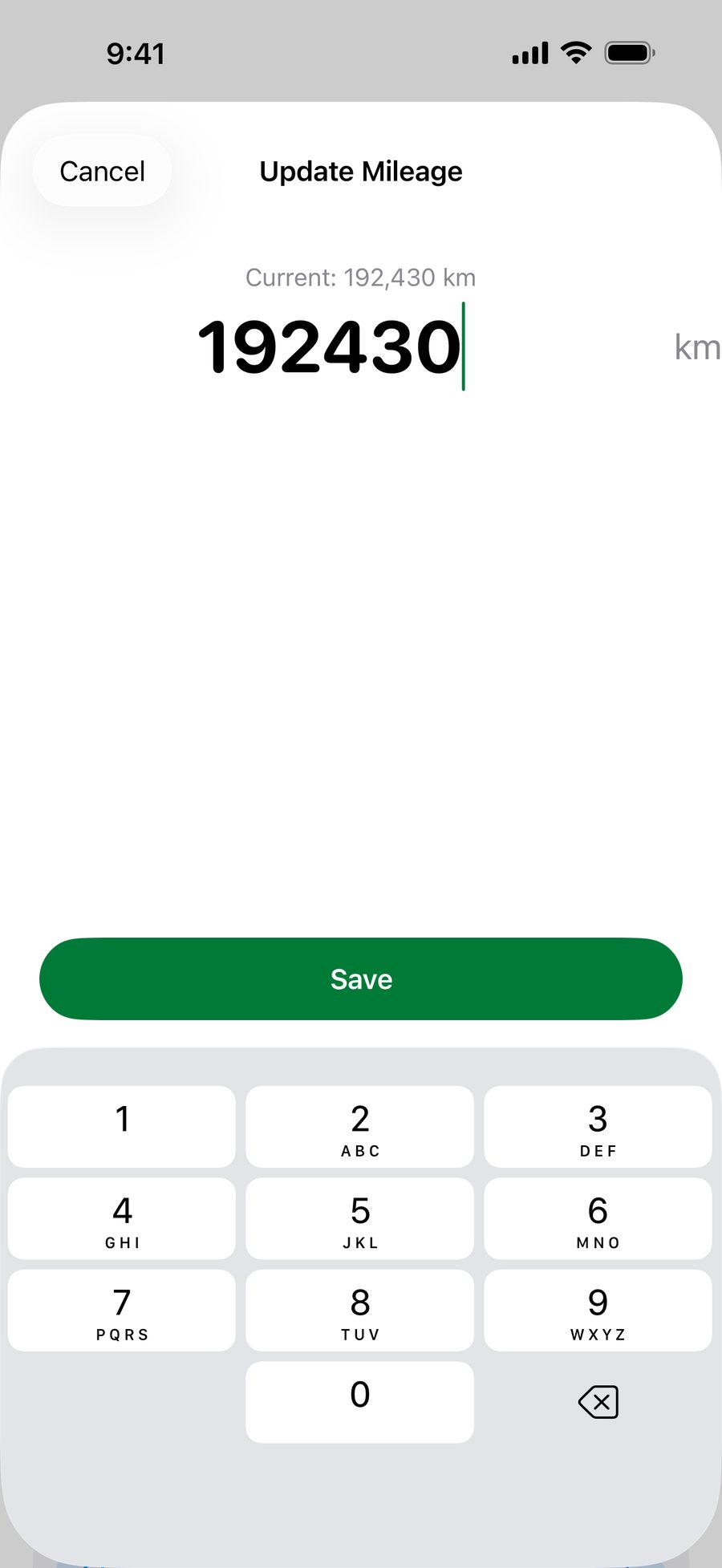
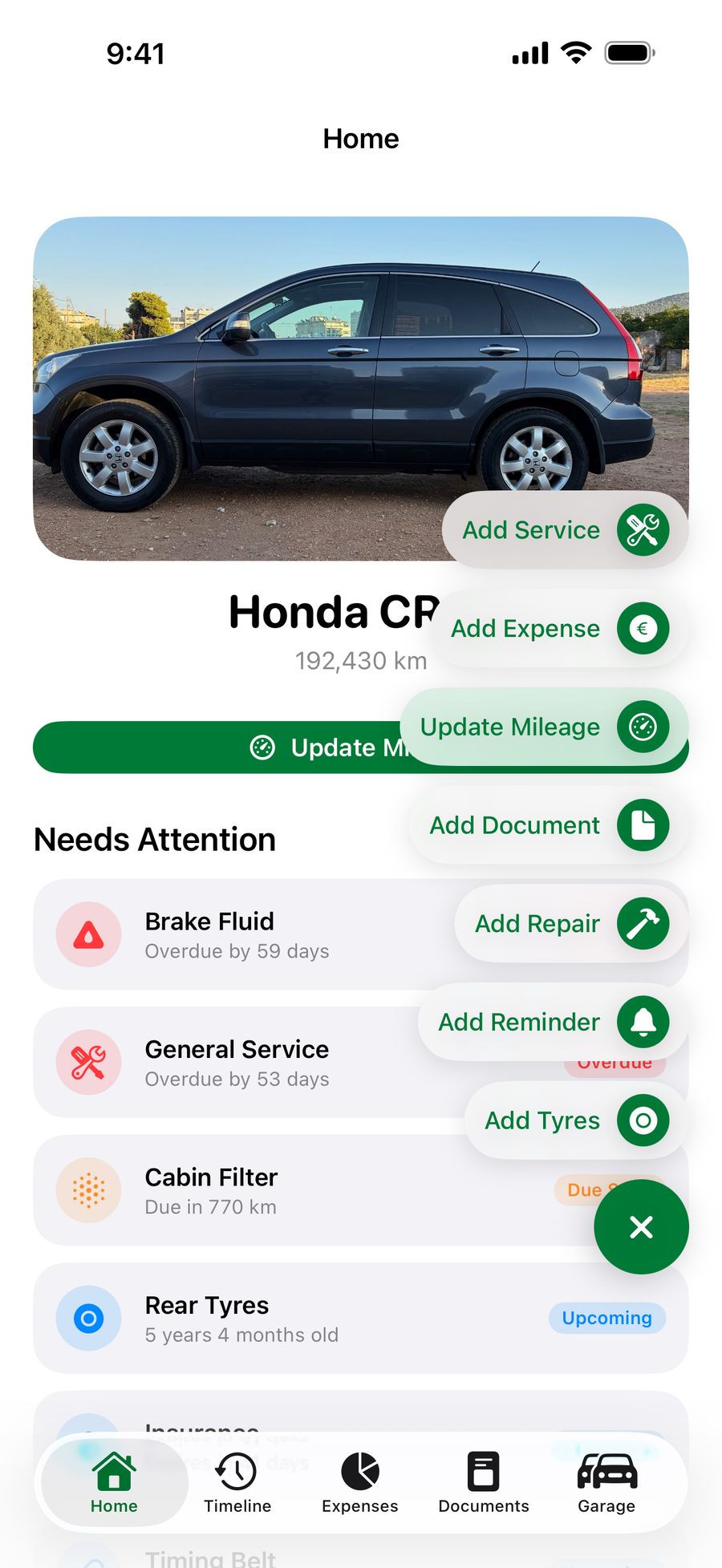
Read the odometer, tap Update Mileage, done. Anything due by km counts down from the new reading. Services, expenses, repairs, documents, reminders and tyres are one tap away in Quick Add.
The whole story, in one timeline.
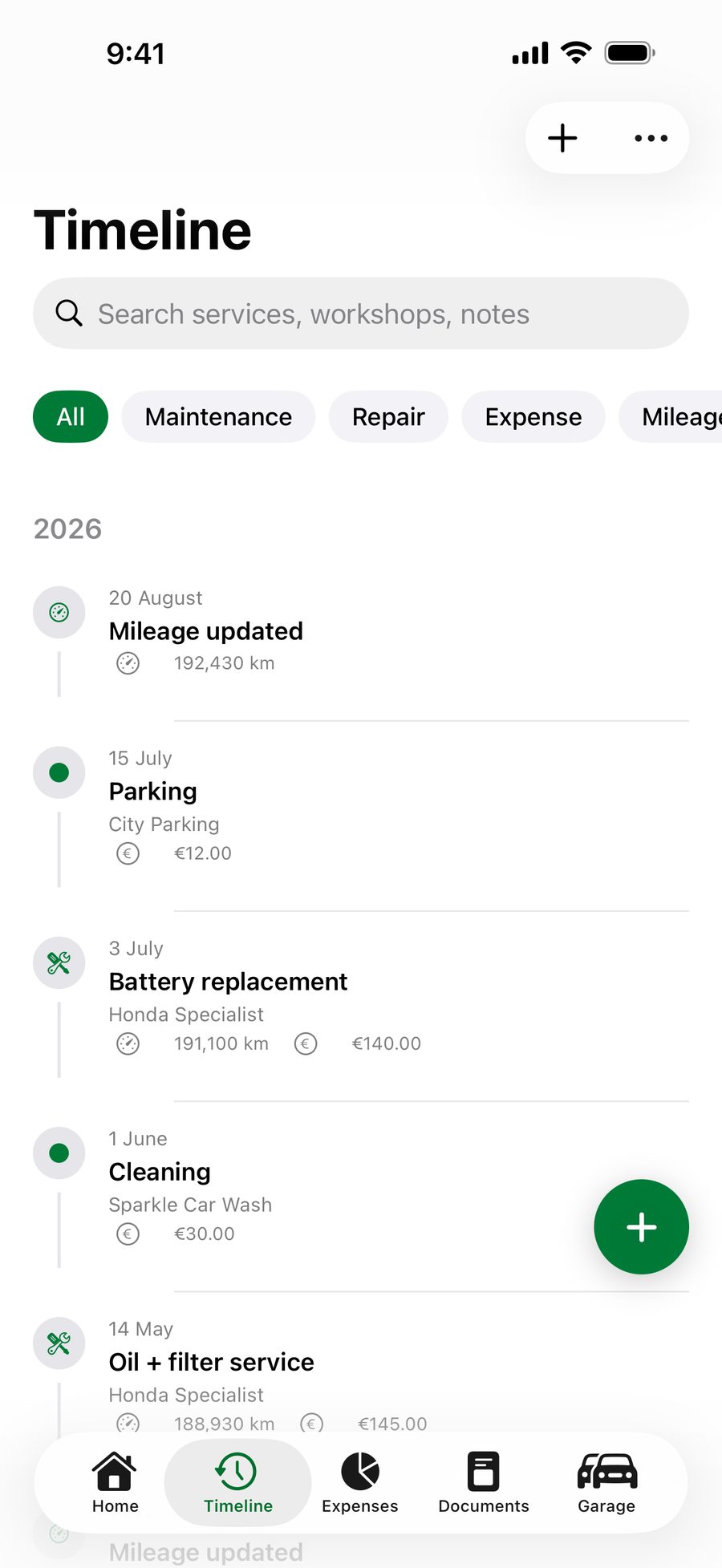
Every service, repair, expense and mileage update lands in Timeline, newest first. When the mechanic asks what was done last time, search or filter and show them.
- Services
- Repairs
- Expenses
- Inspections
- Insurance
- Mileage updates
- Tyre changes
Renewals, remembered.
Insurance, inspection, road tax, a parking permit, roadside assistance, a warranty. Add the expiry date and Garage Guy notifies you 30 days, 7 days and 1 day before.
- 30 days before
- 7 days before
- 1 day before
- Expires
Three notifications, all before the date.
See what your car really costs.
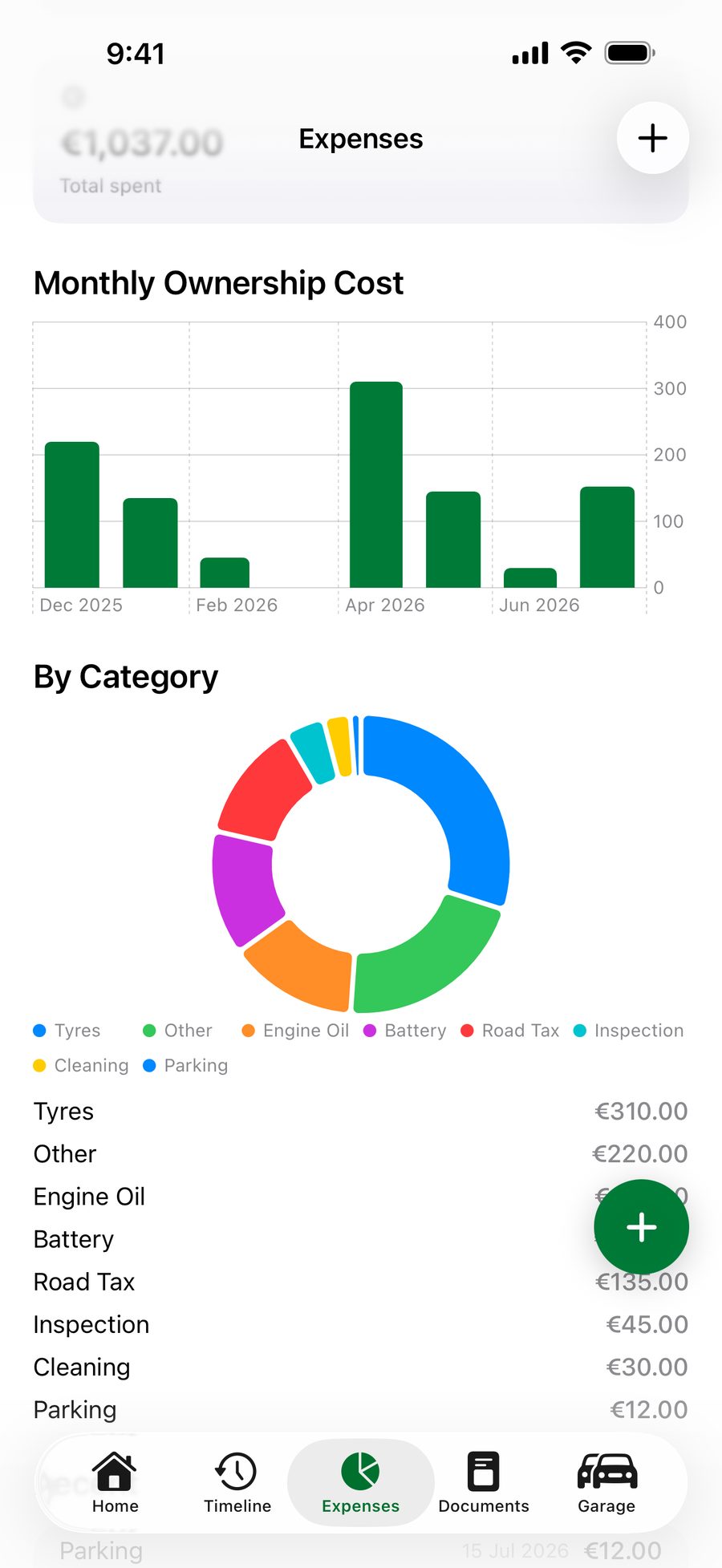
Every expense lands in Expenses, with charts by month and a breakdown by category.
- Four periods
- Last month, last 12 months, this year or since you bought it.
- Cost per month
- Since the day you bought it.
- Cost per km
- Over every kilometre you have driven it.
The paperwork, sorted.
Documents and tyre sets live with the car, and you can add both from Quick Add.
Tyres.
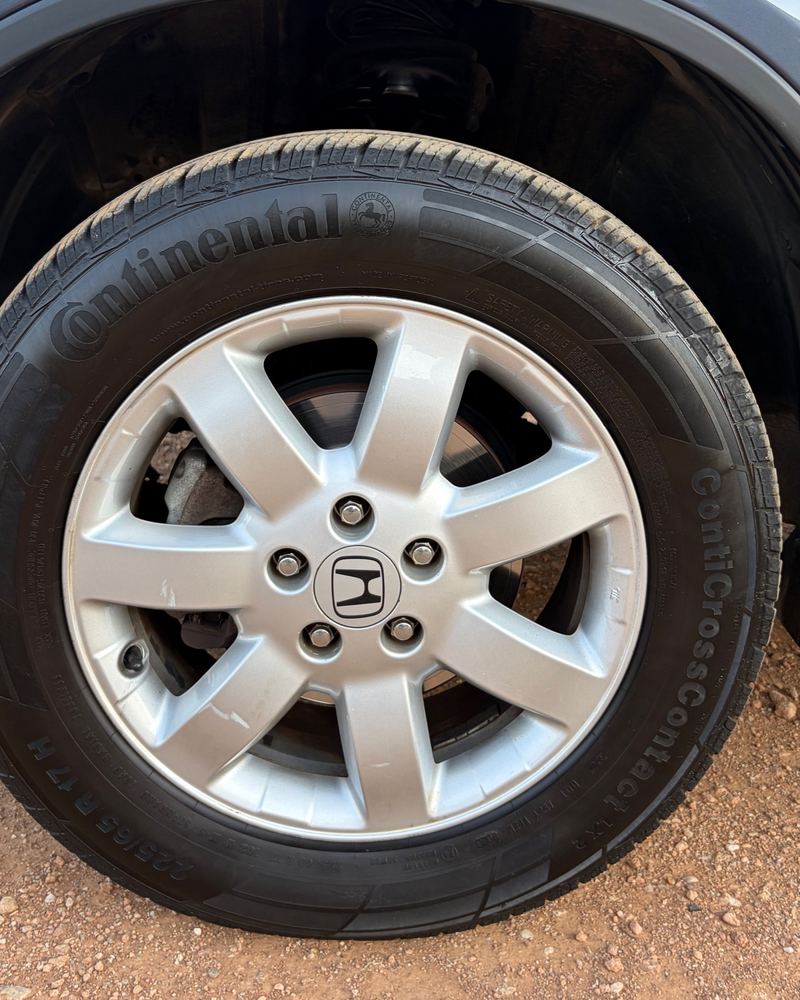
Season, brand, DOT code, install date and km for each set.
Documents.
Photos or PDFs, kept with the car.
- Registration
- Insurance
- Receipts

Selling? Bring the history.
Prepare Car for Sale turns your records into a PDF for the buyer. It is your own record of the car. Private documents and receipt photos are never included automatically.
Private by design.
No account and no sign-in, and it works offline. Your car's history stays on your iPhone. Nothing is uploaded unless you share or export it yourself.

Get Garage Guy for iPhone.
Requires iOS 18 or later. In English, Greek (Ελληνικά), German, French and Italian.